Will Dylan · AI media production
AI video production in Singapore.
Will Dylan provides AI video production in Singapore for corporate communications, product campaigns and social media. Refresh an older corporate video, explain a new product or service, or build a new campaign. Our team shapes the script, creates or films the visuals, and brings them together with editing, graphics and voiceover.
Restoration · Explainers · Campaigns · Voiceovers
Refresh what you already have
Old corporate video restoration & refresh.
Give an existing company film, training video or product presentation a new lease of life. Our Singapore team combines AI video enhancement with editing and compositing to improve the picture and update the message.
Keep the footage that still works. Plan the changes around your current brand, services and audience.
Discuss your video restoration Existing footage → Reviewed sample → Updated editUpscale & improve the picture
Increase output resolution and assess noise, compression, softness and interlacing. Review a sample before agreeing HD or 4K delivery; the achievable improvement depends on the source footage.
Replace talent in selected shots
Explore an approved replacement presenter or talent within suitable existing scenes. Test movement, lighting, facial detail and any speaking performance before committing to the full sequence.
Replace burned-in text
Remove and replace baked-in titles, captions or subtitles where the picture can be reconstructed. Update wording, design and timing; complex backgrounds may need compositing or a replacement shot.
Bring the content up to date
Refresh approved logos, product visuals, service information, statistics and calls to action. Re-edit dated sections and combine retained footage with new graphics, AI visuals or additional filming.
Update narration & voiceovers
Revise the script and record a new human or licensed AI voiceover. Plan language versions, pronunciation, audio timing and subtitles; use a real person’s likeness or voice with their permission.
Start with a footage assessment. Send the highest-quality video you have, a list of changes and any original project files, clean footage, graphics or separate audio. We review representative shots and agree what can be restored, rebuilt or filmed again before confirming the scope. Upscaling does not turn an old recording into native 4K footage.
Make the next launch easier to understand
AI explainer videos for new products & services.
Help customers understand what you offer, how it works and why it matters. Will Dylan develops AI explainer videos in Singapore for product launches, new services, software demos and sales presentations.
Build the story around your audience’s question, a clear benefit and a practical next step. Use AI animation, motion graphics, a presenter or a mix of real and generated visuals.
Plan your explainer video Launch pages · Sales decks · Social media · TrainingA clear story, scene by scene
Define the audience, problem, solution and call to action. Develop the script and storyboard from approved product information, service details and brand guidelines.
Visuals that explain the idea
Combine AI-created scenes with product photos, diagrams, graphics or filming. For software and technical features, use actual screen recordings and approved specifications to keep demonstrations accurate.
Narration, captions & languages
Agree the voice, pace and tone. Plan human or AI narration, pronunciation checks, captions and reviewed language versions around the audience and delivery channel.
One story, agreed versions
Scope the main video and shorter edits for your website, presentations or social channels. Confirm length, aspect ratios, review rounds, subtitle files and final exports before production.
Product accuracy comes first. Share a product demo, brochure or service outline and identify details that must stay exact. We review the script, claims, visuals and final edit with you; AI supports the production, while approved information guides the story.
More ways to put AI to work
AI production services
for your business.
From staff training to a product launch, choose the format that serves the message. Our Singapore team plans the script, source assets, review stages and final versions around your brief.
Training, onboarding & process videos
Turn approved SOPs, induction material and presentations into narrated modules. Combine actual workplace footage, screen recordings, diagrams and AI visuals, then review each process step with your subject expert. Scope captions, language versions and future updates.
Employee induction · SOPs · Customer how-to videosDiscuss training videosMultilingual corporate videos
Adapt an approved video for audiences in different markets. Plan translated scripts, human or AI voiceovers, captions and updated on-screen text. Agree the languages and pronunciation review; presenter lip-sync is assessed where needed.
Regional campaigns · Narration · SubtitlesPlan your language versionsProduct launch & social ad packages
Build a campaign around approved product details, real product references and a clear offer. Develop different opening hooks, shorter edits and calls to action for your channels. Agree the main video, variations and platform formats before production.
Product launches · Ad variations · Social campaignsDiscuss your campaignReal filming with AI visuals
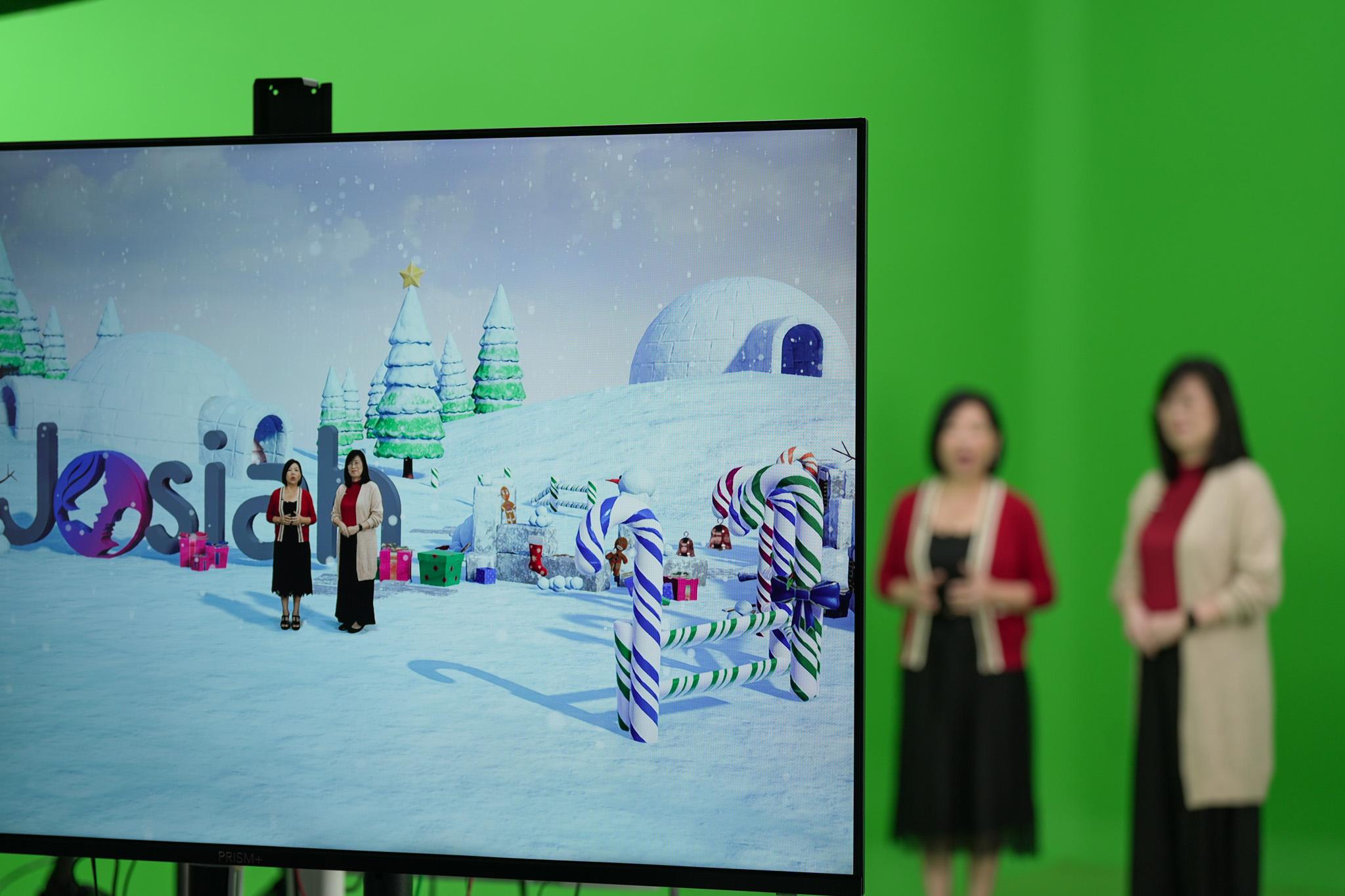
Combine filmed presenters, interviews or product shots with AI-created backgrounds and visual sequences. Assess selected object removal, background changes and shot cleanup, then bring the footage together through editing and compositing. Our studio and filming team support the production.
Studio filming · Virtual sets · Visual enhancementPlan a combined productionCorporate video repurposing
Turn an existing company film, webinar or presentation into shorter videos for social media, sales and internal communications. Reframe suitable shots, refresh graphics, add captions and shape the edit for each channel. Review framing, message and audio before delivery.
Shorter edits · Vertical videos · Refreshed contentDiscuss your existing footageAI product & campaign imagery
Explore settings, moods and visual directions for your products. Create campaign concepts, lifestyle scenes and image variations from a defined creative brief, with approved product details and brand assets guiding the result.
Product scenes · Campaign visuals · E-commerceDiscuss campaign imageryVirtual models & digital talent
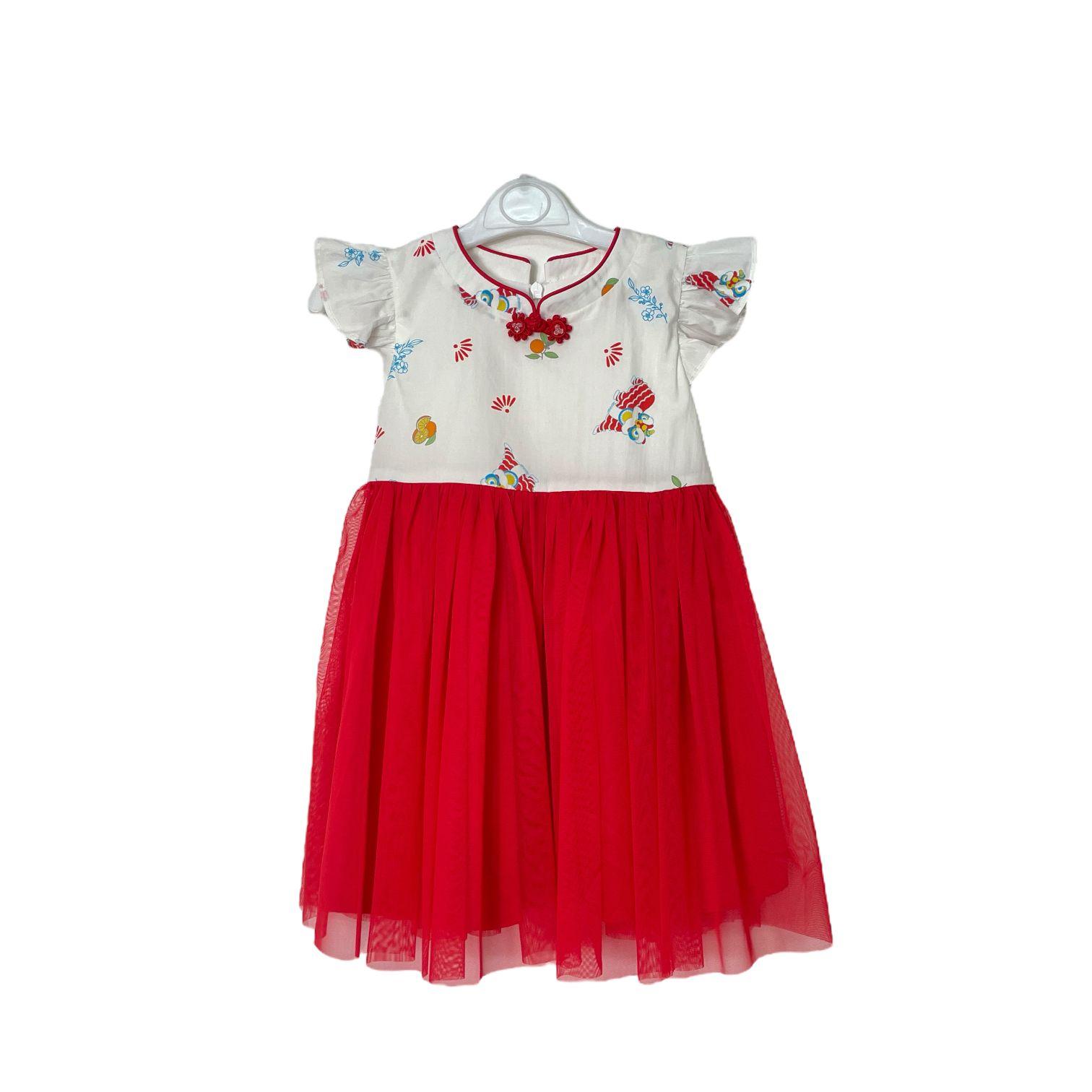
Present garments and products in styled scenes with AI-generated models. Use product references to guide the look, then review details and refine the selected images.
Fashion imagery · Retail content · Digital modelsDiscuss digital talentAI presenters & digital twins
Develop a presenter-led format for explainers, training or brand communications. Plan the script, visual identity and approvals around how the digital presenter will be used, with permission for any real person’s likeness or voice.
Training · Presentations · Brand communicationsDiscuss a digital presenterAI brand films & social stories
Build a visual story around your brand, audience and message. Combine AI-created scenes, real footage, motion graphics, narration and editing for a campaign film or social series, with the style and review stages agreed from the brief.
Brand stories · Campaign films · Social seriesDiscuss your brand storyChoose the deliverables around your audience. Share the source material, channels, languages and intended use. We agree filming, AI-created assets, editing, captions, version counts and review rounds in the quotation. You approve the business facts, product details and final content before publication.
Selected visual examples
Imagine the possibilities.
Product, lifestyle and campaign concepts from our existing AI image collection. Select an image for a closer look.
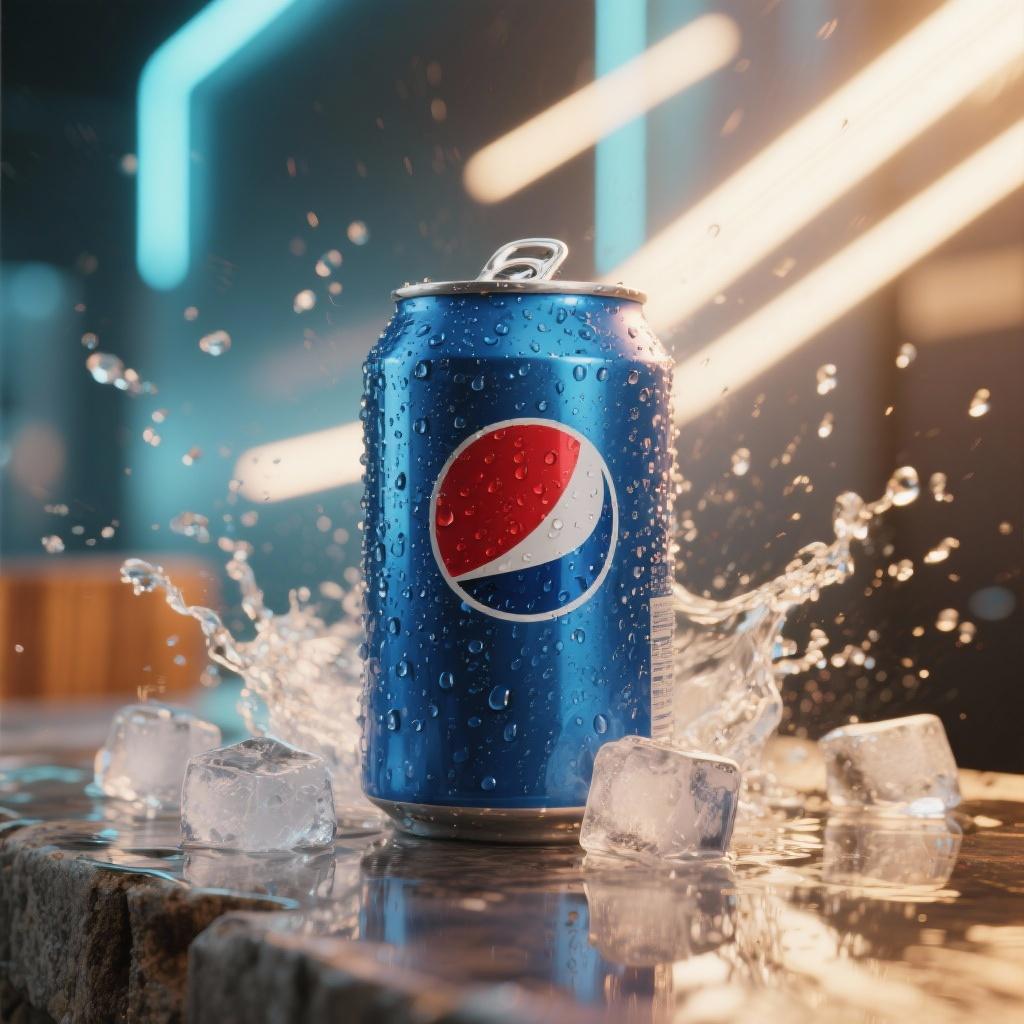
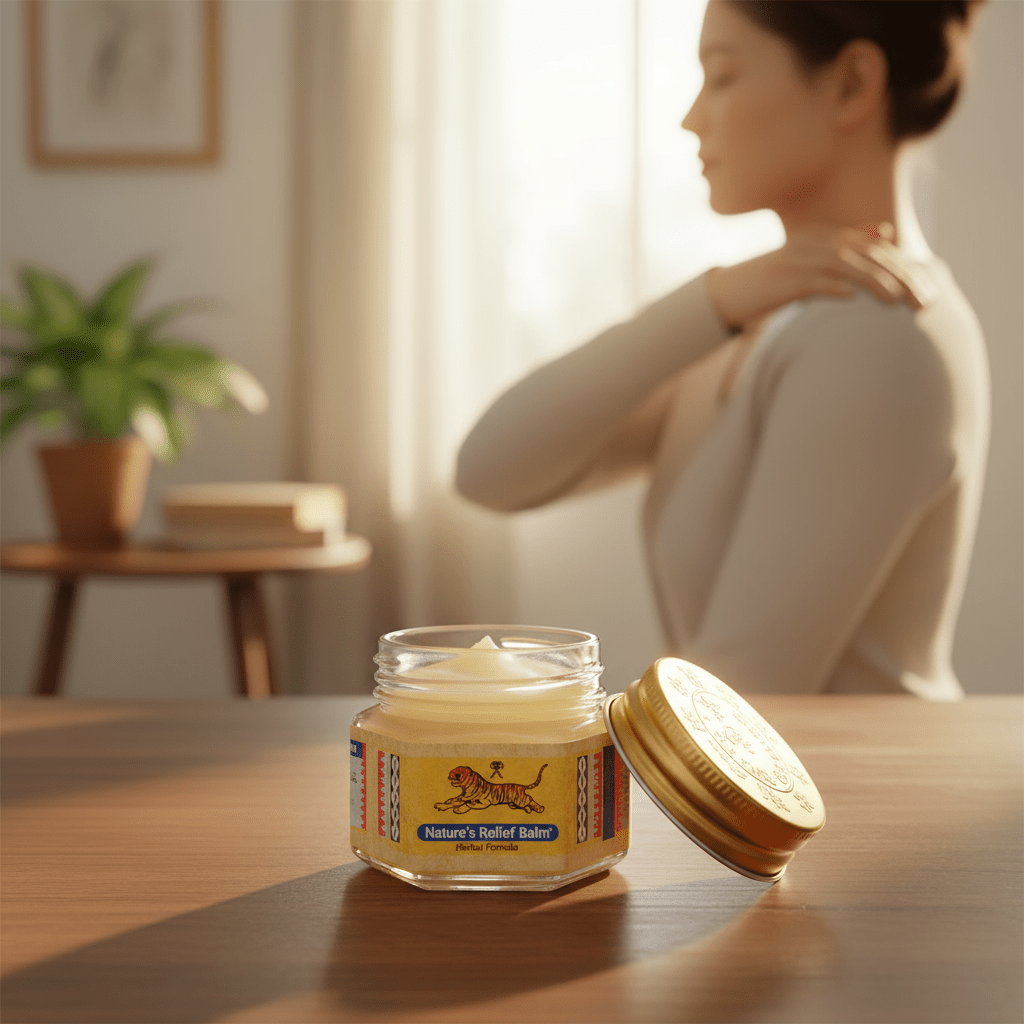
These are AI-generated still-image concepts from our creative library. They show visual directions for a brief; video duration, movement, sound and final deliverables are scoped separately.
From reference to scene
One product.
New creative directions.
See how a garment reference can guide AI model imagery and a styled setting. Define the product details and intended use before developing the scene.
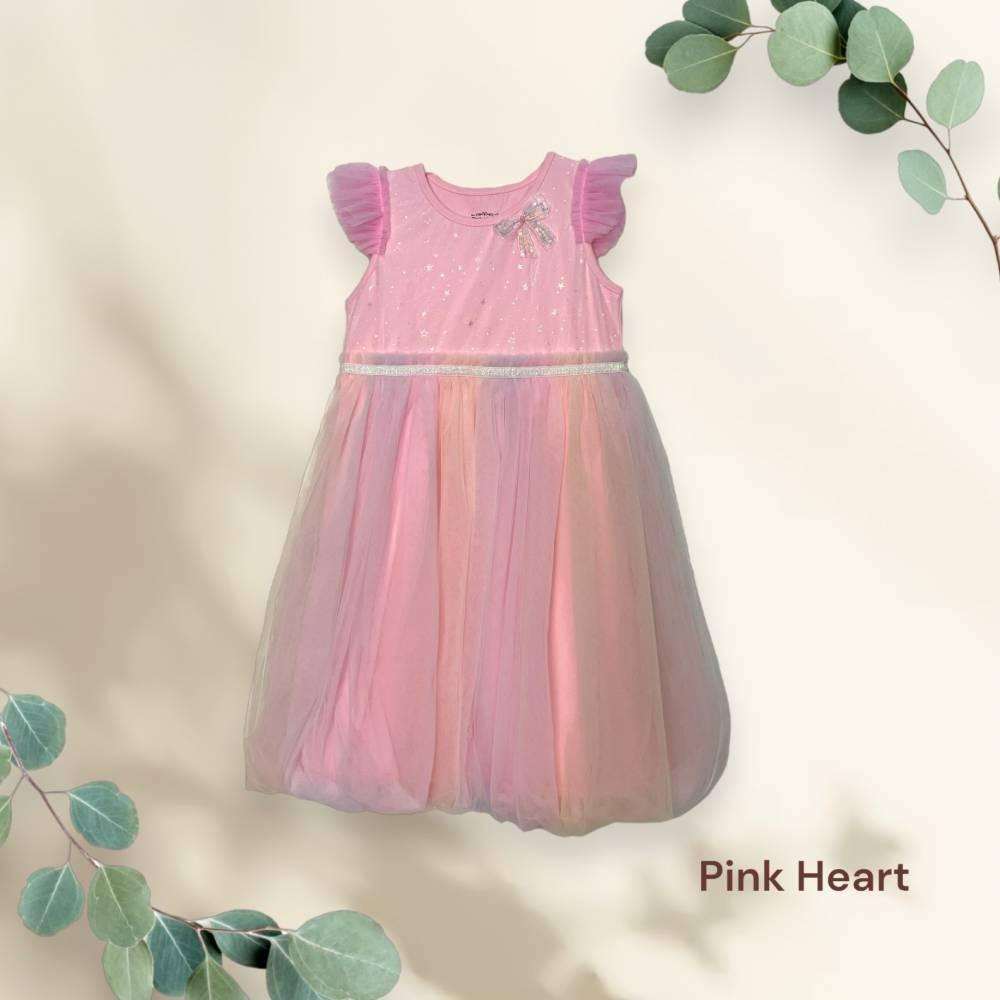
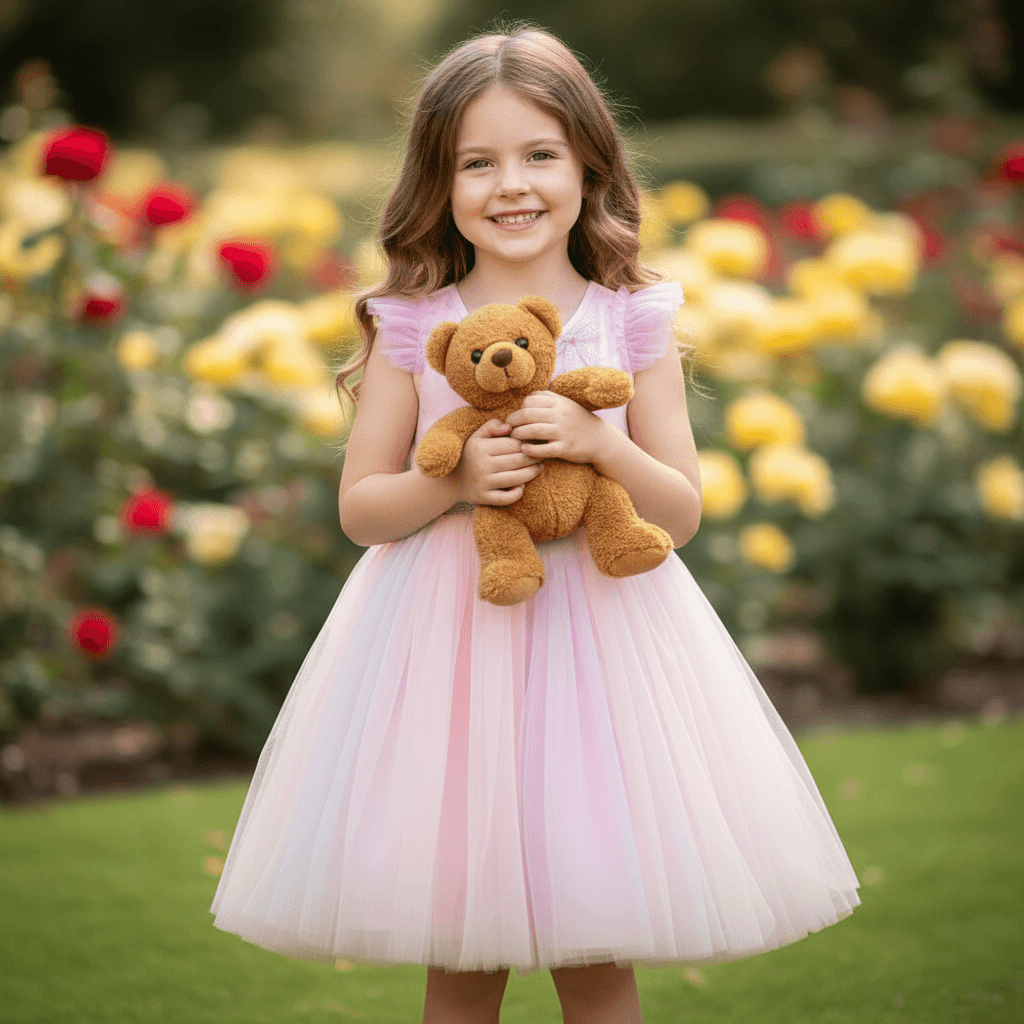
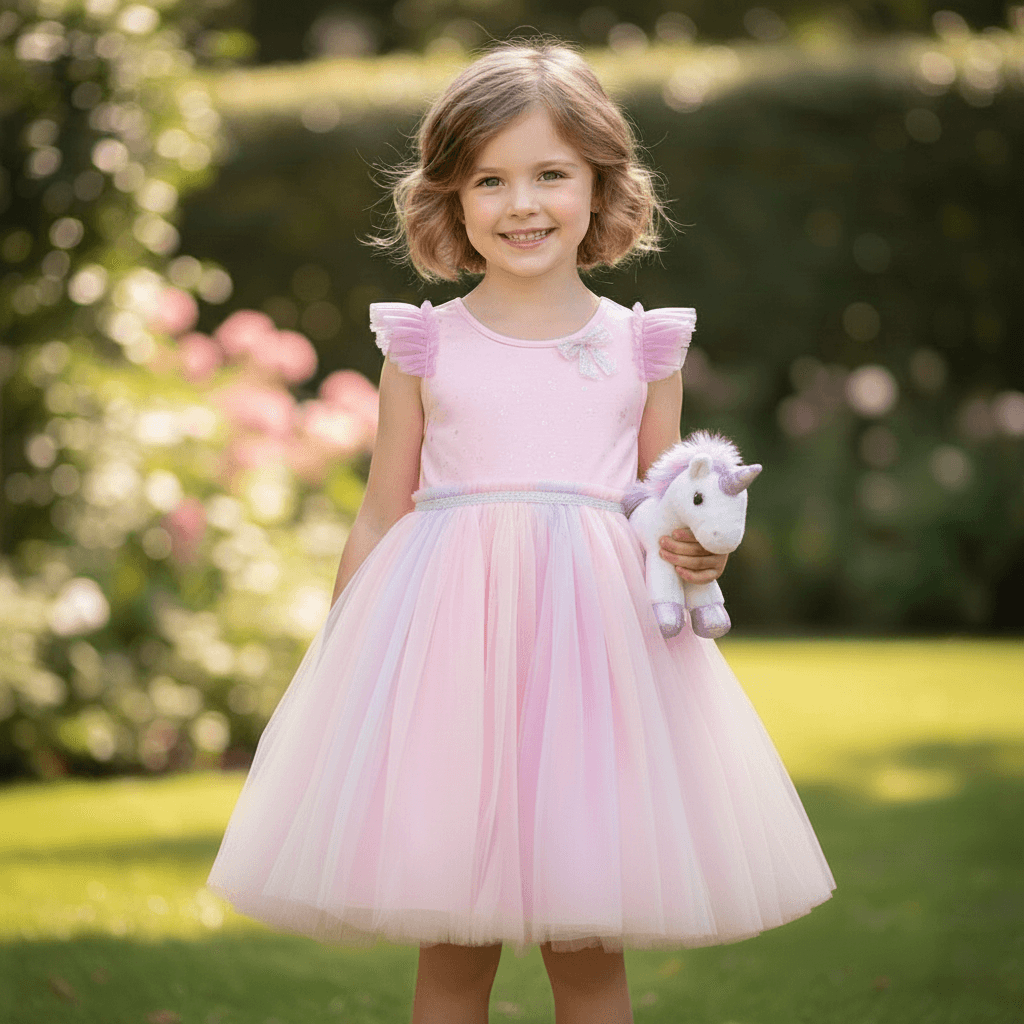
More product-to-scene examples
From garment references to a lifestyle scene.
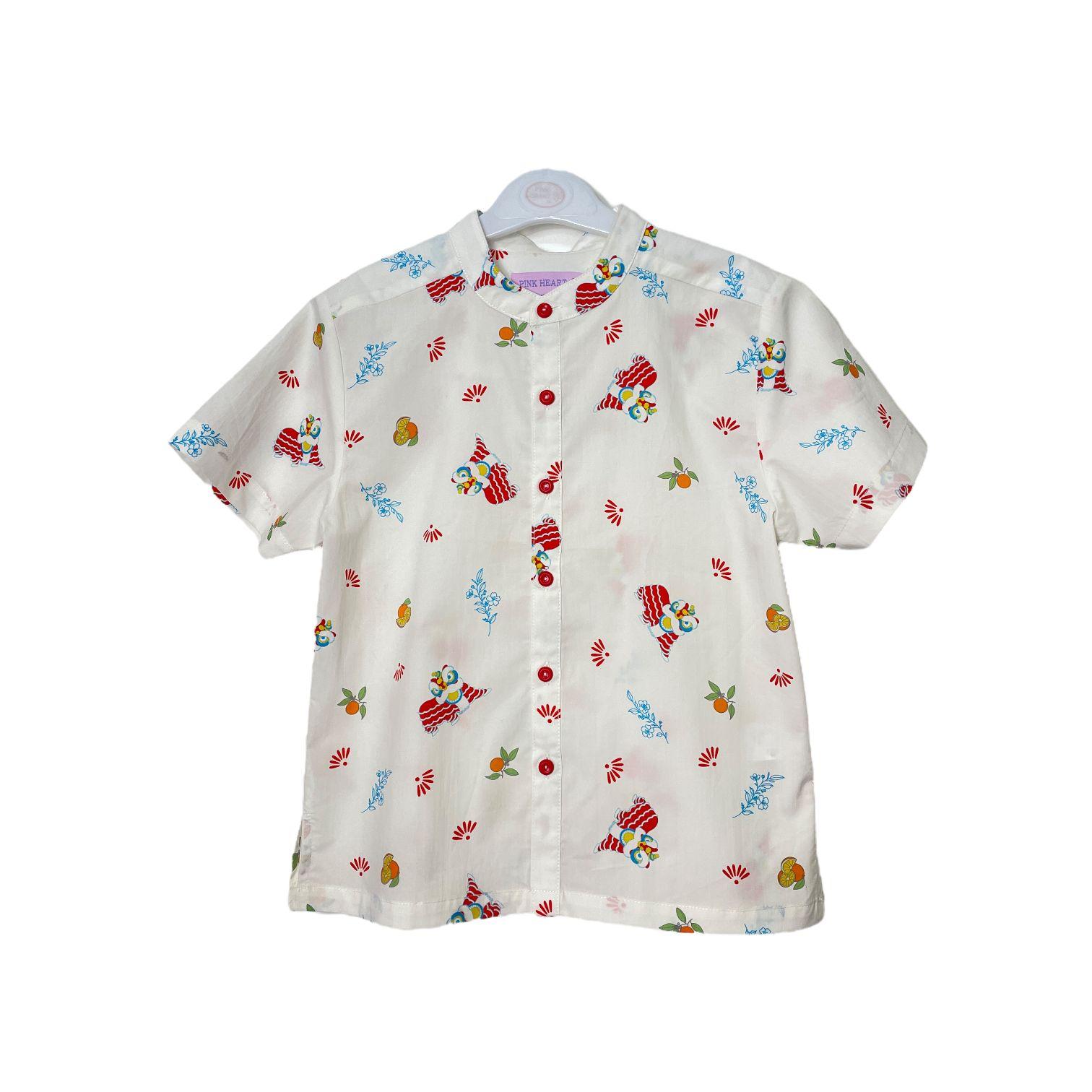
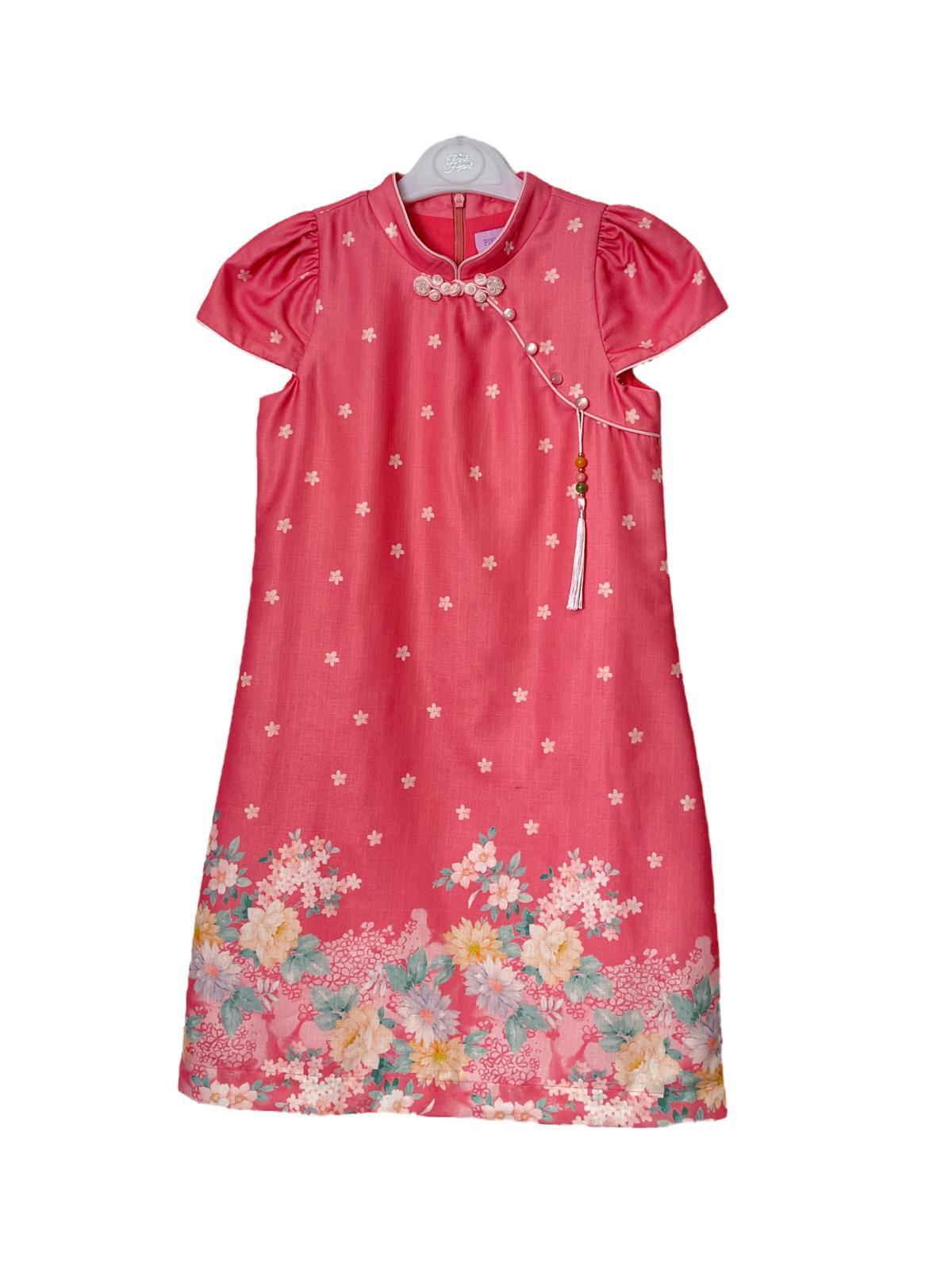

A different collection. A new scene.
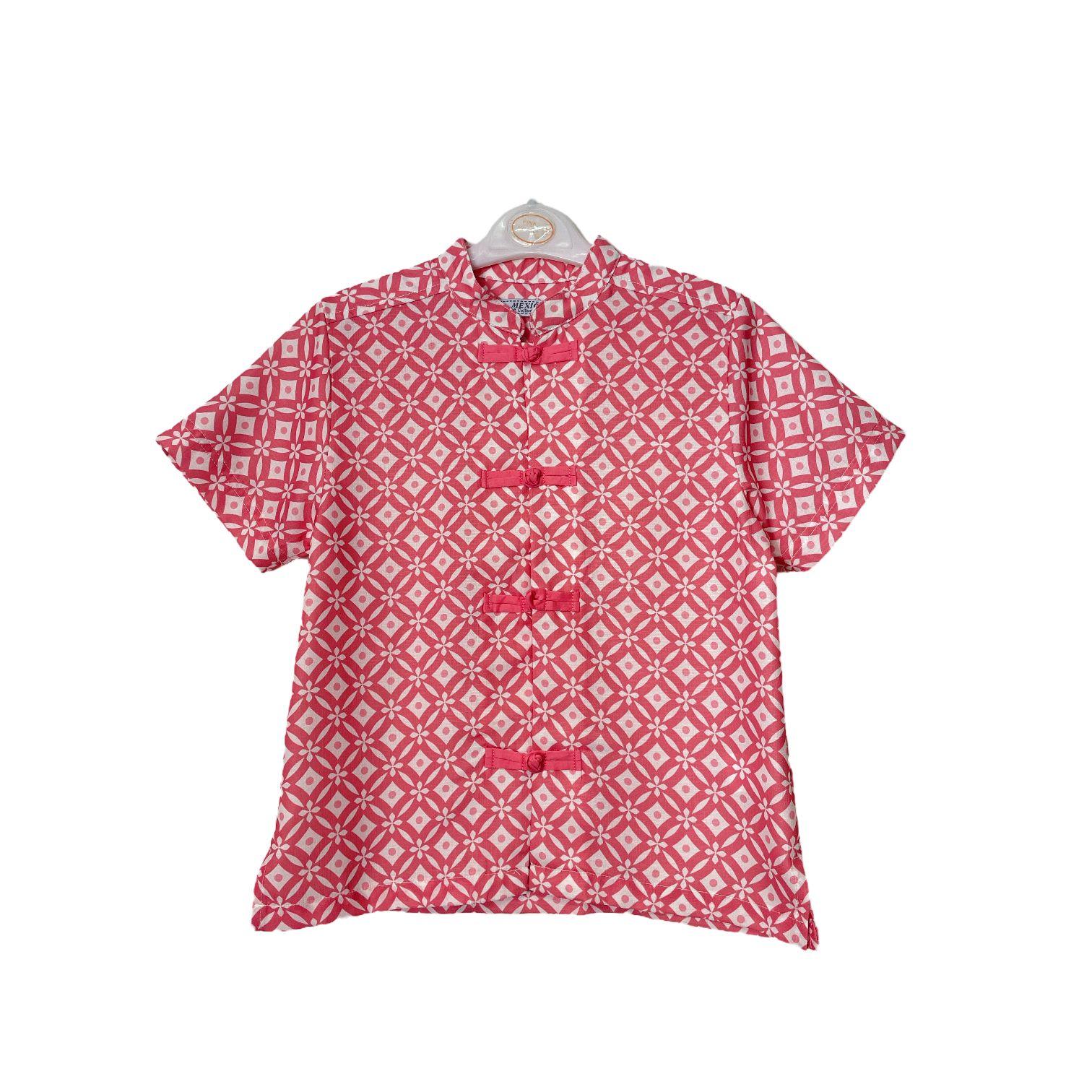

AI meets production experience
Real people.
More creative possibilities.
Some stories need a real presenter, a product close-up or an interview. We can bring studio filming, virtual sets and AI-created assets into the same production plan.
Our Singapore team helps shape the concept, capture the footage and build the finished edit around your audience.
How a project takes shape
From brief to finished content.
A clear direction, review points and deliverables agreed around your project.
Set the direction.
Share the audience, message, references and channels. Agree the creative approach, scope and where AI or filming best fits the story.
Develop and refine.
Agree the script and visual direction, then develop selected scenes or images. Review product details, visual consistency and brand fit before refining the full sequence.
Shape the final output.
Bring together the edit, graphics, audio and agreed versions. Confirm framing, subtitles, language versions and export formats for your website, presentations or social channels.
Explore our wider production work.
View the portfolioBefore we begin
AI production,
made clearer.
Restoration & explainer videos
Can you restore an old corporate video without the original project files?
Yes, we can assess a finished video file for enhancement and selected updates. Original project files, clean footage, separate graphics and audio usually make changes easier. With only a compressed final export, some edits need reconstruction or new shots. Send a representative sample and your change list so we can assess the approach.
Can an older video be upscaled to HD or 4K?
We can assess HD or 4K output as part of the restoration scope. The result depends on the original resolution, compression, motion and visible detail. Upscaling increases pixel dimensions and may improve perceived quality, but it cannot guarantee recovery of missing detail or the quality of native 4K footage. Review a test at the intended viewing size.
Can you remove and replace burned-in titles, captions or subtitles?
Burned-in text is part of the video image. Removing it means reconstructing the picture underneath, then adding updated text. We assess each shot; text over faces, detailed products or complex moving backgrounds can be harder to replace cleanly. A clean master or original project is preferable. We can also discuss an alternative layout or replacement shot.
Can you replace a presenter or talent inside an existing video?
We can explore approved talent replacement in suitable shots using reference assets, AI editing and compositing. Results vary with camera angle, movement, lighting, occlusion and speech. The scope includes permission for the intended likeness and usage, and a representative test to review visual consistency. Some scenes are better addressed with new filming.
Can you change the content and voiceover of a corporate video?
Yes. We can scope a revised script, updated graphics and product or service information, a new human or licensed AI voiceover, and a fresh edit. Separate music and voice tracks help. If speech is mixed into the only available soundtrack, audio separation may need testing or the soundtrack may need rebuilding. Language and lip-sync versions are agreed separately.
What is an AI explainer video?
An AI explainer video uses AI-created visual or voice assets within a planned edit to explain a product, service or idea. Will Dylan shapes the script, storyboard, graphics, narration and review process around the business brief. The finished video can combine AI animation, real footage, product images or actual screen recordings.
How do you keep a product or software explainer accurate?
We start from approved product information and review the script and storyboard with you. Real product images, screen recordings and diagrams can show exact interfaces, labels and features. Generated visuals are reviewed for accuracy and consistency, and should not imply a feature, result or product detail that the approved information does not support.
What should we send for an AI explainer video quotation?
Share the product or service description, intended audience, key benefit and call to action. Add a demo or reference materials, brand assets, preferred style, video length, channels, languages and deadline. The quotation should identify script and storyboard work, visual production, narration, captions, review rounds and final versions.
Training, campaigns & repurposing
Can you create AI training and onboarding videos from our SOPs or slides?
Yes. Share the approved SOPs, slides, audience and learning objectives. We can plan a script, narrated modules, diagrams, screen recordings and relevant real footage alongside AI visuals. Your subject expert reviews the process steps and terminology. Agree module lengths, captions, languages and how later updates will be quoted.
What can a product launch and social ad package include?
The package can include a main launch video, shorter edits, alternative opening hooks, calls to action, captions and different aspect ratios. Each variation is an agreed deliverable, with the quantity and review rounds set in the quote. Product claims and brand details are approved before the final edit.
Can you turn an existing corporate video or webinar into social clips?
Yes. Send the highest-quality master and identify the audience, message and channels. We can select suitable sections, re-edit the story, reframe for vertical or square viewing, refresh graphics and add captions. The source composition and audio affect what can be reused; a new shot or layout may work better for some scenes.
Planning your AI production
What does an AI video production company do?
A creative production team develops a business brief into finished content: concept, script, generated or filmed visual assets, editing, graphics, audio and reviews. Will Dylan plans these elements around your audience and agrees the production scope and deliverables before work begins.
What can you make with AI video production?
We can develop social media videos, product and campaign concepts, explainers, training content and presenter-led formats. The approach may combine generated visuals, existing footage, filming, voiceover and editing, depending on the brief.
Can AI content be combined with a real shoot?
Yes. We can plan filmed presenters, product shots or interviews alongside generated backgrounds and visual sequences. Selected background changes, object removal and shot cleanup can be assessed within the editing scope. Our corporate video production and virtual production studio services support projects that need both real filming and AI visuals.
Can you work from our existing product images?
Yes. Product images, brand guidelines and visual references help define the direction. Identify the product features, colours, labels and logos that must stay exact. We can then scope original photography, filmed elements or compositing with approved brand assets, and review those details as the visuals develop.
How much does an AI production cost?
The scope depends on the number of scenes and deliverables, video length, visual complexity, language versions, revisions and any filming. Share your brief, budget range and deadline so we can recommend an approach and prepare a quote.
What should an AI video production quote include?
Compare the agreed scope: concept and script, number of scenes, video length, generated visuals or filming, editing, voiceover, graphics and final versions. Confirm review rounds, subtitles, language versions, aspect ratios and delivery dates, including how additional changes will be scoped.
Can you supply vertical videos, subtitles and language versions?
Yes. Tell us the channels and languages you need. We agree translated scripts, voiceovers, captions, subtitle files and framing alongside the main edit. Plan a language reviewer to check meaning, terminology and pronunciation. On-screen text, product information and calls to action are updated separately; lip-sync versions are assessed where needed.
How are AI visuals and revisions reviewed?
Agree the script, visual references and intended look at the briefing stage. Review selected scenes for product details, consistency and brand fit as they develop, then give consolidated feedback. The quotation should identify review stages and revision rounds so the scope of further changes is clear.
How long does AI video production take?
The schedule depends on the script, number and complexity of scenes, available assets, filming, language versions and review rounds. Share your intended launch date and when feedback can be provided so we can plan a suitable scope and delivery schedule.
Can you create an AI version of a real person or voice?
We can discuss digital presenter and voice workflows with the person’s permission. The brief should define the approved likeness or voice, script, channels and intended usage before production starts.
Have a story in mind?
Share your existing video or your next product launch brief, references and deadline. Let’s plan the right production approach.