Production tools · Singapore
Broadcast equipment & virtual production software.
Build a setup around the way you work. Explore camera control, virtual production, tracking and live transmission—with product advice and system integration from Will Dylan in Singapore.
A product by Will Dylan · Early access

CamSynq Pocket Studio.
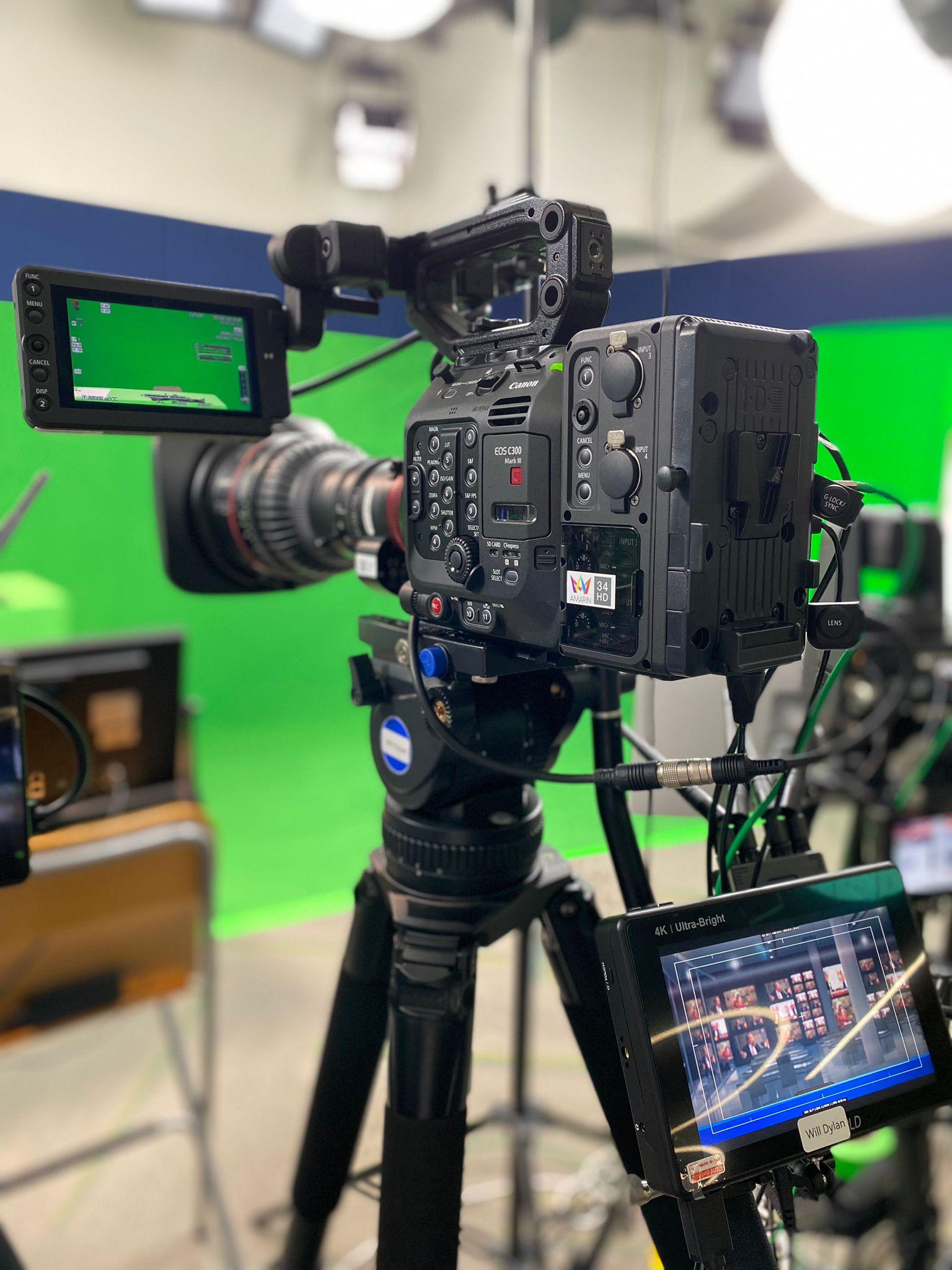
CamSynq Pocket Studio brings up to three DJI Pocket 4P cameras into one Windows workspace. Adjust pan, tilt and zoom, save camera positions, and connect camera actions with your production controls.
- 1–3 cameras
- Saved shot positions
- Stream Deck / Companion
- FreeD output
Tested with DJI Pocket 4P only. Multi-camera operation needs dedicated Wi-Fi connections. Features and availability are subject to the current early-access release; see CamSynq for compatibility and gimbal guidance.

Virtual production & camera tracking
Bring the virtual set to life.
Connect real-time graphics, your camera and lens data in a workflow designed for your studio.
Aximmetry Certified Reseller
Aximmetry
Real-time virtual production software for green screen, augmented reality and LED/XR workflows. Explore built-in keying and Unreal Engine integration with advice on the right edition for your production.
- Virtual studios, AR and XR production
- Software selection, integration and training

REtracker Certified Reseller
REtracker BLISS
Camera tracking for virtual sets, augmented reality and LED productions. Combine tracking and lens calibration with Aximmetry, Unreal Engine and other compatible production systems.
- Camera tracking and lens calibration
- Support for compatible real-time production engines
Univiso Certified Reseller
Univiso live transmission.
Explore Univiso portable bonding encoders and decoding solutions for live video transmission over multiple network connections. Choose a configuration around your input format, connectivity and production needs.
- Mobile bonding encoders for field production
- Decoding and receiving solutions for remote broadcasts
- HD and 4K options across the product range
Production cameras
Start with the right camera.
Talk through your lenses, outputs, control requirements and production format before choosing a camera system.

Cinema & PTZ cameras
Canon
Cinema EOS and remotely operated PTZ cameras for studio production, live events and compatible virtual production workflows. We can help you plan how the camera fits your wider setup.
Explore Canon
Cinema cameras
RED
Cinema cameras for filmmaking and studio production. Discuss camera selection, lens options and connections to your production workflow, with specifications matched to the model you choose.
Explore RED camerasAdvice, setup & support
A system that works together.
Start with your workflow.
Tell us what you want to produce, where you will work and which equipment you already own. We’ll help you identify suitable software and hardware.
Build the complete setup.
Plan the camera, tracking, graphics and video connections together. Our system integration service helps bring the different parts of your production into one working setup.
Get hands-on with Aximmetry.
Discuss Aximmetry training and setup support for your team, including the practical workflow you intend to use in your studio.
Before you choose
Let’s find the right fit.
Can you help with a complete virtual production setup?
Yes. We provide consultation and system integration in Singapore, covering software, camera tracking and the connections between your production tools. Share your camera count, output requirements, studio plan and existing equipment so we can discuss a suitable setup.
What should I include in a product enquiry?
Tell us the product or workflow you are considering, your budget, intended camera count, video format and project timeline. If you are expanding an existing system, include the camera models, computer specifications and software you already use.
What is CamSynq Pocket Studio?
CamSynq is a camera-control application by Will Dylan for compact multi-camera productions. Its current early-access offering has been tested with DJI Pocket 4P only. Visit CamSynq for the latest supported features, computer requirements and compatibility guidance.
Let’s plan your production setup.
Share your workflow, your equipment and what comes next.