Published Updated
Virtual production combines real people and physical camera footage with digital environments during filming. For businesses, it can create a branded presentation space, a product demonstration or a virtual event set. The result depends on the script, lighting, camera setup, digital assets and time allowed for testing.
How does virtual production work?
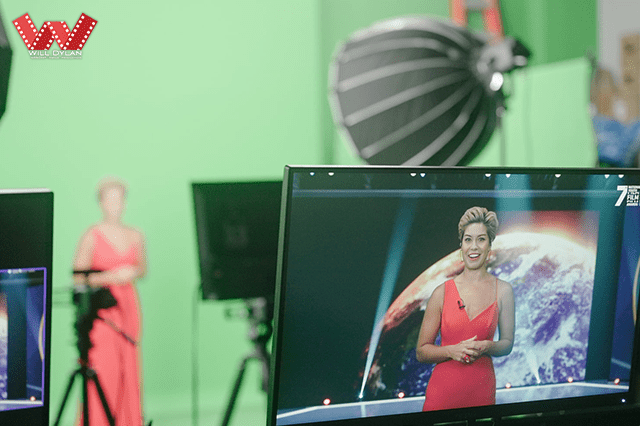
A typical green screen workflow separates the presenter from the background and combines the camera feed with a digital set. Real-time software lets the team preview the composite during filming. Camera tracking, when required, links camera movement to the perspective of the virtual environment.
Virtual production also includes other approaches, such as filming against LED displays. The right method depends on the shots, reflective surfaces, camera movement, budget and delivery format. A green screen shoot does not automatically need a fully tracked 3D set.
Five practical advantages
1. Create several settings in one studio
Approved digital environments can reduce travel between physical locations. They still need preparation, appropriate licensing and checks for scale, composition and brand accuracy. Bespoke sets usually require more development than adapting an existing asset.
2. Review the composite while filming
A live preview helps presenters and the production team see framing, graphics and eyelines together. It can reveal problems before the shoot ends, but it does not eliminate editing, quality control or the possibility of pickups.
3. Control the shooting conditions
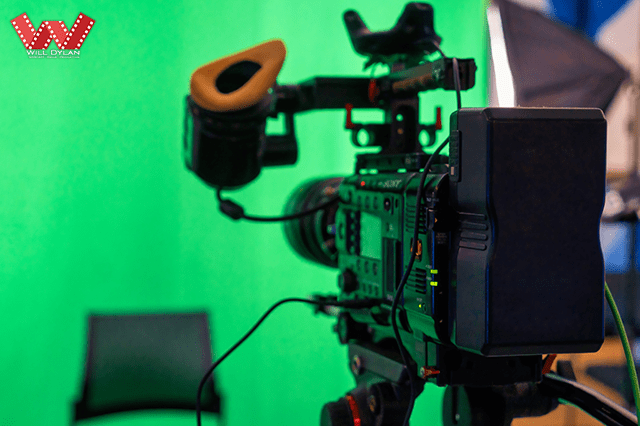
A studio provides more control over sound, lighting and weather than an outdoor location. To make the scene convincing, the lighting on the presenter should suit the virtual environment. Reflections, green spill, wardrobe and fine hair detail need attention.
4. Plan repeatable shots and transitions
Prepared scenes can support repeatable episodes or a multi-part presentation. Set changes should be rehearsed: loading assets, rendering performance, camera calibration and presenter cues can affect how quickly a transition works.
5. Reuse approved digital assets
Branded sets and graphics may be reusable for future recordings, subject to their licences and software compatibility. Keep source files, version information and approved brand assets organised to simplify later updates.
What should you prepare before booking?
- Purpose: define the audience, key message and action you want viewers to take.
- Format: decide whether the output is recorded, live or both, and where it will be shown.
- Shots: identify presenters, props, camera movement and graphics.
- Assets: provide scripts, brand guidelines, slides and any 3D files early.
- Testing: allow time for wardrobe, lighting, tracking and a complete rehearsal.
- Delivery: agree on edits, captions, aspect ratios, review rounds and final files.
Is virtual production right for your project?
It is useful when a controlled or imaginative environment helps explain the message. A real location may be a better choice when the premises, people or physical process are the story. Compare the full production scope rather than assuming a virtual set is always cheaper or faster.
Explore Will Dylan’s virtual production studio in Singapore or send us your production brief to discuss the appropriate workflow.