Published Updated
This is a historical look at Will Dylan’s RED KOMODO virtual production workflow, first published in 2022. It explains the camera and tracking considerations behind that setup. Equipment and software have since evolved; visit our current virtual production studio page for today’s service information.
How the workflow developed
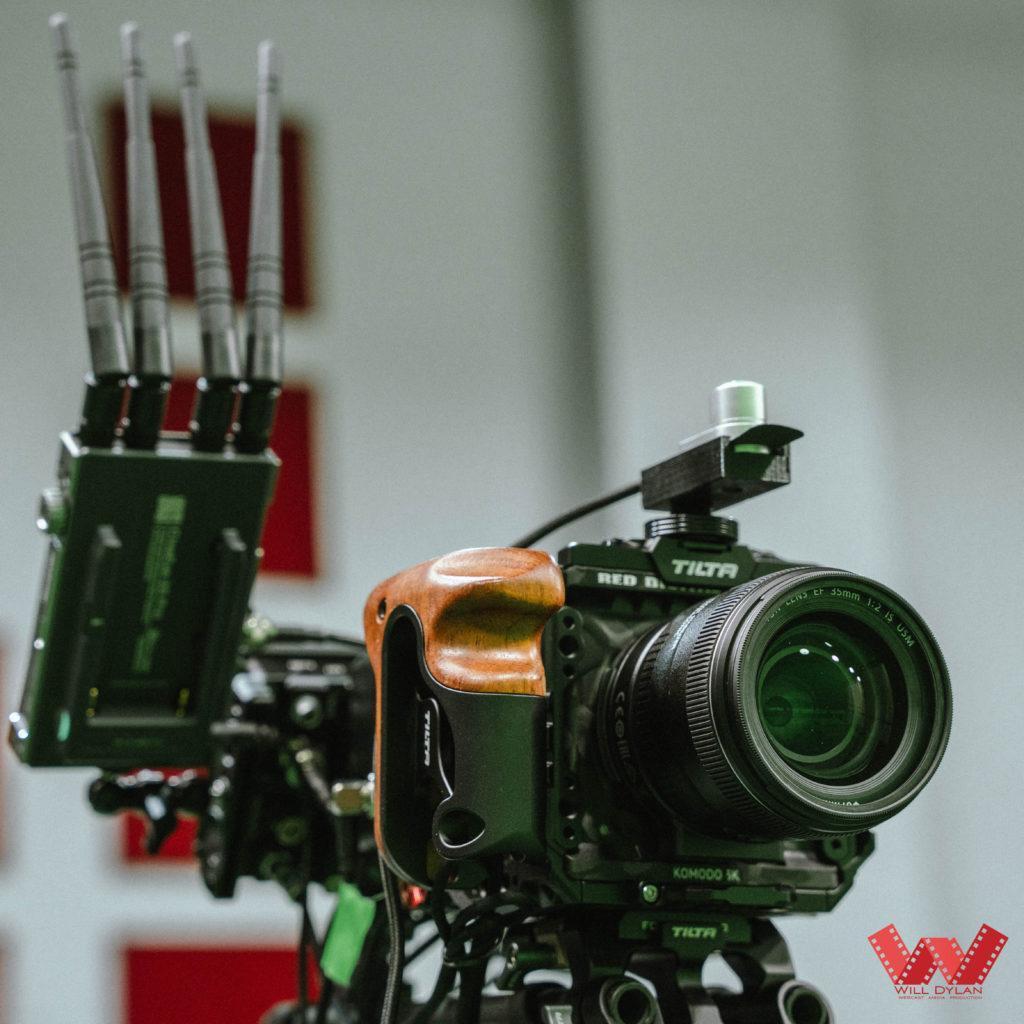
Our early experiments combined a DSLR, Vive tracking, Unreal Engine and Aximmetry. As the studio developed, we reviewed the complete capture and compositing workflow, including the camera, lens, tracking, signal transport and recording.
Why consider RED KOMODO for virtual production?
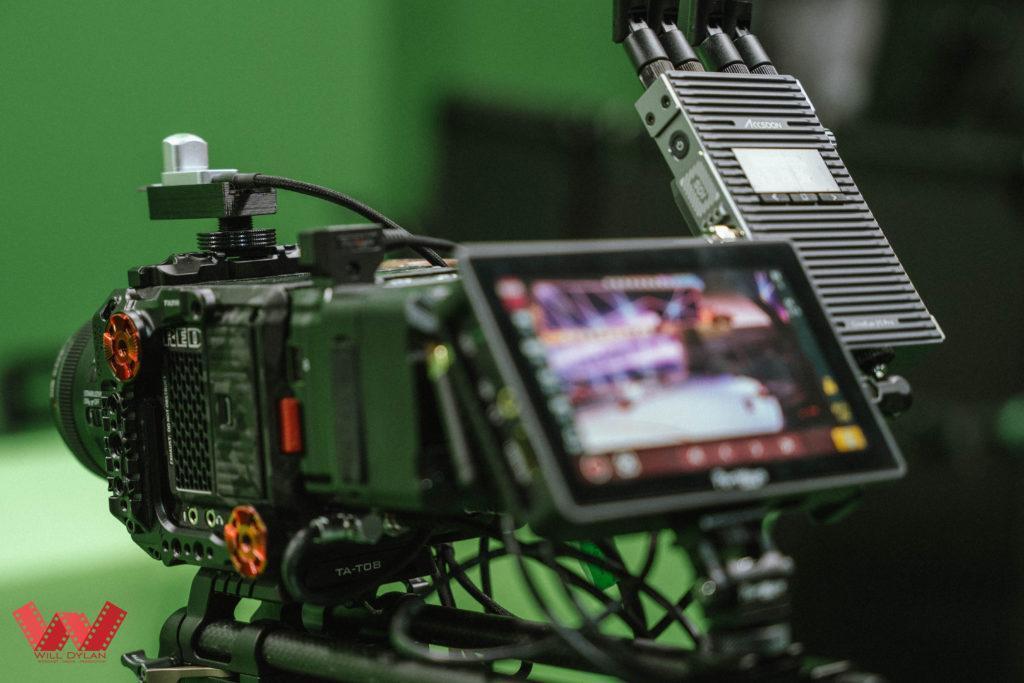
RED KOMODO uses a Super 35 global-shutter sensor. A global shutter helps avoid the geometric distortion associated with rolling-shutter readout, which can be useful when the camera or subject moves. It does not remove motion blur or replace accurate camera tracking and synchronisation. See RED’s KOMODO introduction.
Dynamic range does not make exposure automatic
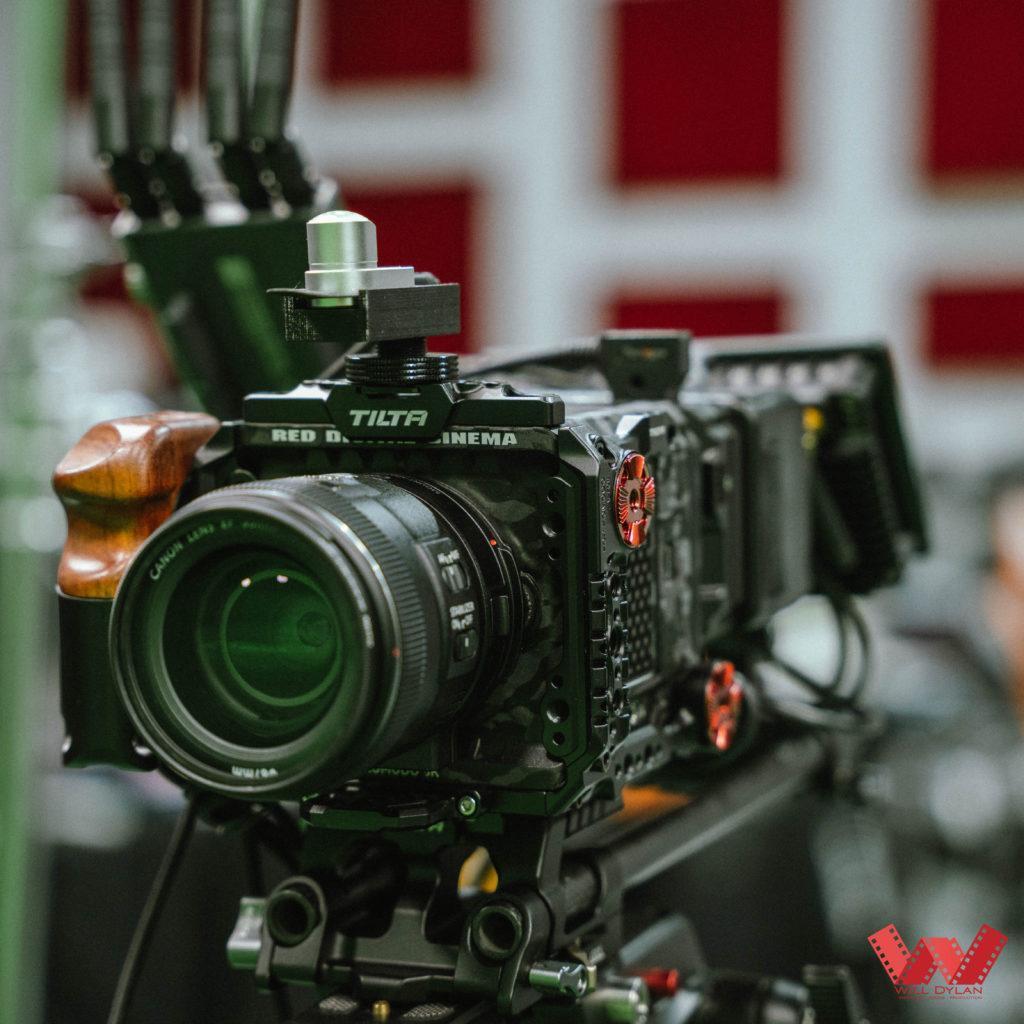
A camera with a wide dynamic range can retain detail across a wider brightness range, but highlights can still clip and shadows can still lose usable detail. Lighting, exposure and colour management remain essential for a clean key and a convincing composite. RED’s exposure guidance describes tools for identifying highlight and shadow clipping.
Cinema camera or PTZ: compare the actual models
A cinema camera can offer lens choices and recording flexibility; a PTZ camera combines remote pan, tilt and zoom in one unit. Either can be appropriate depending on the shot, staffing and integration needs. Sensor size alone does not determine the quality of a green screen composite.
PTZ cameras do not all share the same output or sensor specifications. For example, the Canon CR-N700 includes 12G-SDI. Check each camera’s resolution, frame rate, output format, synchronisation and tracking support rather than relying on a blanket comparison.
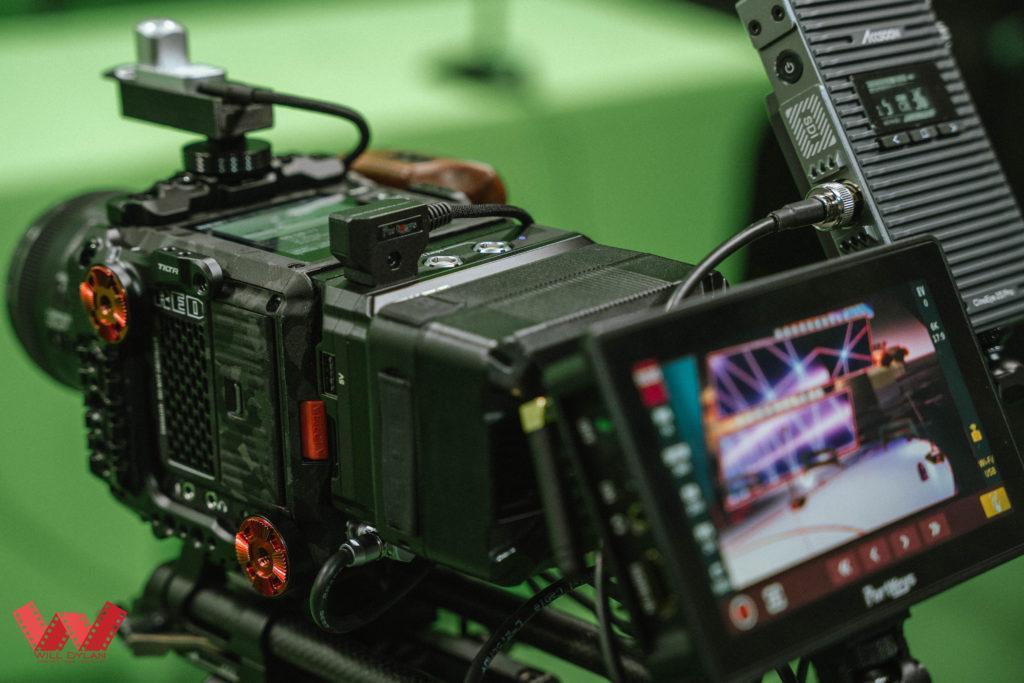
Tracking and lens calibration matter
The setup described in our original article used Antilatency tracking and additional tools for lens information. In any tracked workflow, the virtual camera must match the physical camera’s position, orientation and lens behaviour. Calibration, tracking coverage, signal timing and test moves should be checked before filming.
What should a production team test?
- Confirm the required output resolution, frame rate and signal compatibility throughout the chain.
- Test the actual lens, focus and zoom range used for the shot.
- Check synchronisation, tracking alignment and latency with representative camera moves.
- Review the key, edges, reflections, noise and colour match at delivery resolution.
- Record a short test and inspect both the composite and any separate source recordings.
For a new project, discuss your shots and delivery requirements with Will Dylan. We can plan a suitable workflow around the production rather than selecting equipment by specifications alone.